Why image format choice matters
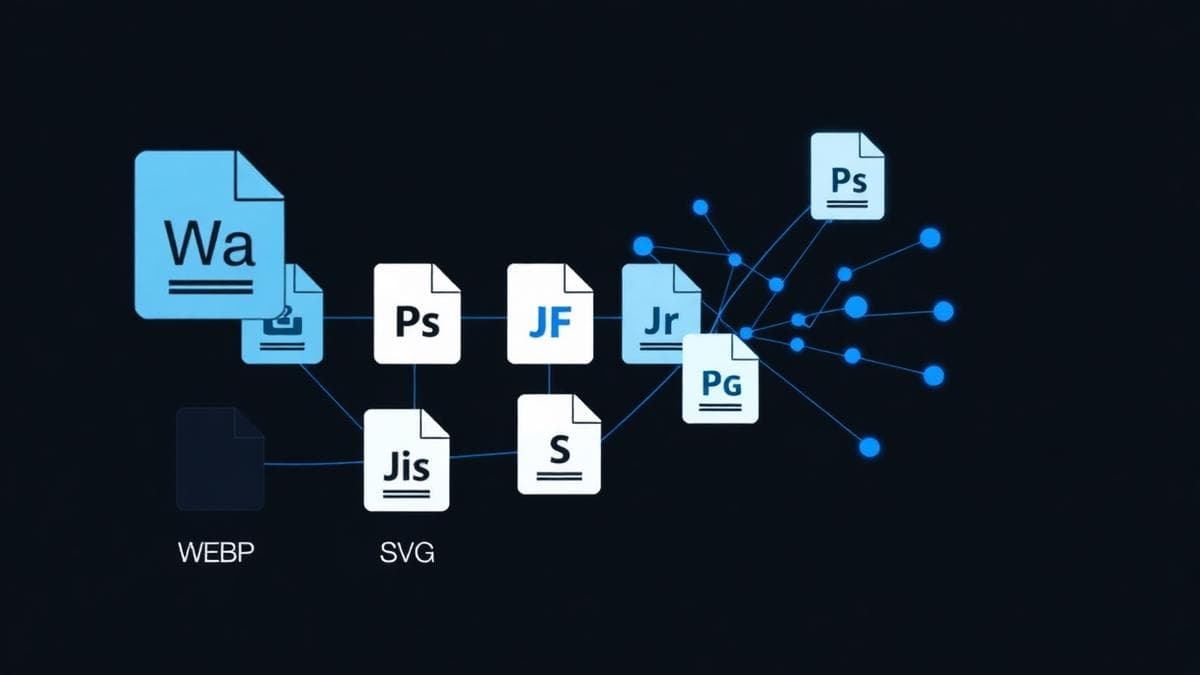
Image format decisions shape page speed, visual quality, search performance, and maintenance. A restaurant gallery, a logo, a dashboard screenshot, and a hero background should not all use the same export settings. The wrong format can create fuzzy text, oversized downloads, broken transparency, or images that look fine on desktop but feel slow on mobile. For a business website, the best format is the one that preserves the visual job of the asset while keeping the page light enough to feel immediate.
Pick the format based on the asset's job, not based on whatever export option was easiest.
Use JPEG for photos that do not need transparency
JPEG is still useful for photographs, food shots, team photos, location images, and detailed backgrounds where millions of colors matter more than perfect pixel accuracy. It works everywhere and compresses complex photography well. The tradeoff is that JPEG is lossy, so text, logos, sharp edges, and screenshots can show artifacts quickly. If a Los Angeles restaurant uploads a full menu as a JPEG image, the text may look rough and Google cannot read it like real HTML content. Use JPEG for photography, then size it to the largest real display size instead of uploading a massive camera original.
JPEG is a compatibility workhorse for photos, but it is a poor choice for logos, UI, transparent assets, and text-heavy graphics.
Use PNG when exact pixels and transparency matter
PNG is strong for logos, icons, screenshots, badges, interface graphics, and images that need transparency. It keeps edges crisp and does not introduce lossy compression artifacts. The cost is weight. A transparent PNG logo can be perfectly appropriate, but a large PNG photo can become several times heavier than a WebP or JPEG version. For client sites, PNG is often best as a source file or for small transparent assets, while larger photographic visuals should usually be converted into WebP after design approval.
PNG is for precision and transparency, not for every large image on a page.
Use WebP as the modern website default
WebP is usually the best default for website imagery in 2026 because it supports strong compression, transparency, and broad modern browser support. It often produces smaller files than JPEG at similar visual quality, which helps pages load faster and reduces bandwidth for mobile visitors. WebP is especially useful for portfolio images, blog graphics, service-page visuals, and product photography. The practical workflow is simple: keep high-quality originals organized, export web-ready WebP files at the display dimensions you actually need, and keep filenames descriptive enough to support image management and alt text.
For most public website images, WebP gives the best balance of quality, flexibility, and speed.
Use SVG for logos, icons, and simple vector artwork
SVG is vector-based, which means it scales cleanly at any size. That makes it excellent for logos, icons, badges, simple diagrams, and UI artwork. A well-built SVG can stay tiny and sharp on every screen. It is not a photo format, and complicated exported SVGs from design tools can become bloated if they include unnecessary paths, filters, or embedded raster images. SVGs should also be handled carefully when accepting uploads from users because they can contain code-like content. For a controlled brand asset, though, SVG is often the cleanest choice.
Use SVG for controlled vector assets, but keep the markup clean and do not use it for photography.
A simple decision workflow
Start by asking what the image is. If it is a logo, icon, or simple illustration, try SVG. If it needs transparency and must preserve exact pixels, use PNG. If it is a photo and compatibility matters, JPEG works. If it is a web image where size and quality both matter, WebP should usually be first. Then ask where the image appears. A tiny card image, an above-the-fold hero, and a gallery lightbox all need different dimensions. Finally, add useful alt text when the image communicates information, and leave decorative images empty or hidden from assistive technology.
Format, dimensions, compression, and alt text work together. Treat them as one asset workflow.
Common questions.
Is WebP always better than JPEG?
Not always, but it is often better for web delivery. JPEG still works well for broad compatibility and simple photo workflows, while WebP usually wins when you want smaller files at similar visual quality.
Should logos be PNG or SVG?
A clean SVG is usually best for logos because it scales sharply and can stay very small. PNG is useful when the logo has raster effects or when a platform does not accept SVG.
Do image formats affect SEO?
They can. Formats affect load time, Core Web Vitals, mobile experience, and image indexing. Google still needs crawlable pages, useful alt text, and appropriately sized assets, not just modern file extensions.
What to take away.
The best-performing sites choose image formats intentionally. WebP should be the default for most website images, PNG handles transparency and exact pixels, SVG covers clean vector assets, and JPEG remains useful for photos when broad compatibility matters.
Talk about your website