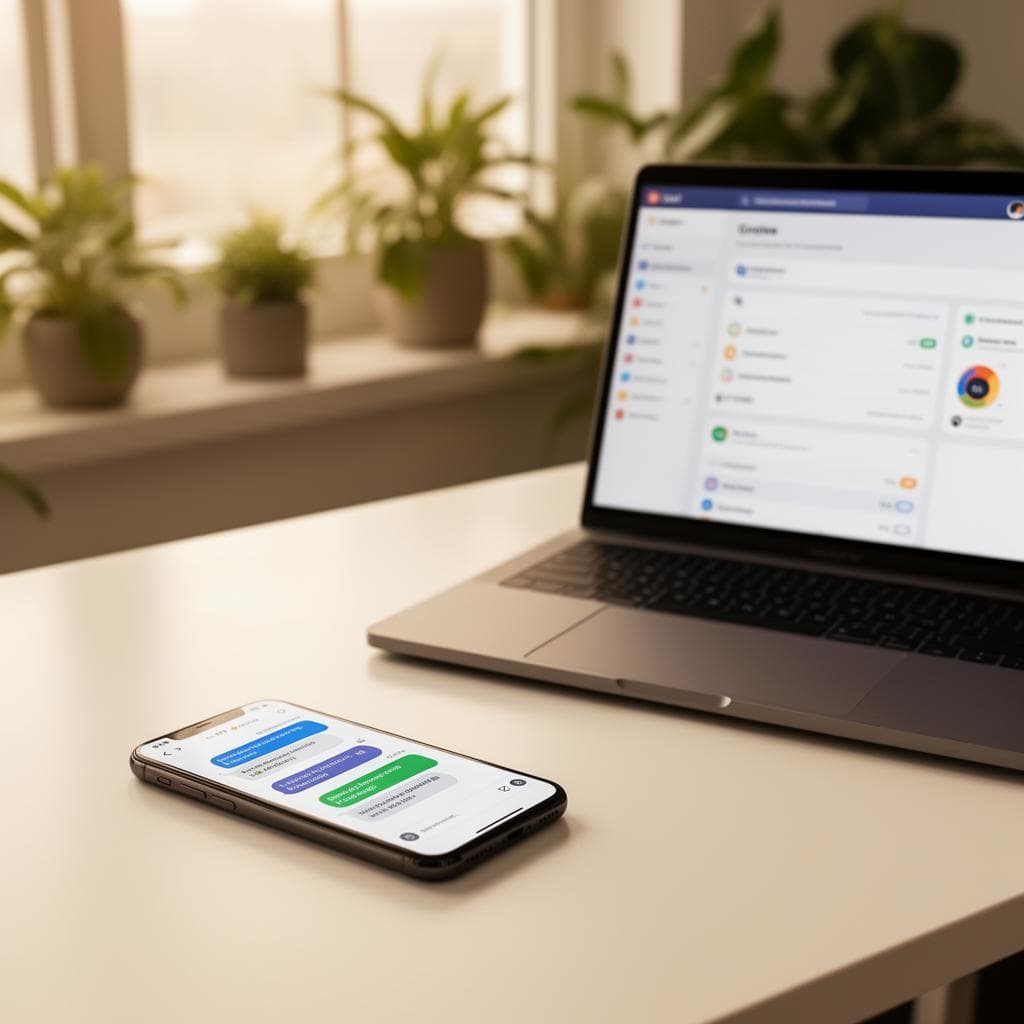
Lead response is where revenue leaks first
Many businesses spend money getting traffic, then lose the lead after the form submission. The customer waits for a reply, attention fades, another company responds faster, and the opportunity goes quiet. AI automation is useful because it can respond immediately, collect context, route the request, and keep the conversation warm while a human prepares the real answer. The point is not to replace the relationship. The point is to protect momentum at the exact moment intent is highest.
Automation should support the human sale by making the first response faster and more dependable.
Start with speed-to-lead
The simplest automation is also one of the most valuable: instant acknowledgement. When someone submits a form, books a call, or requests a quote, they should immediately know the message landed and what happens next. The business owner or team should also receive a useful alert with the right details. A good alert includes the lead source, service requested, contact info, timeline, budget or urgency when relevant, and the page that generated the inquiry.
Respond in seconds, notify the right person, and include enough context to make the human follow-up better.
Use AI for qualification, not confusion
AI can help classify leads, summarize long messages, detect urgency, suggest next steps, and ask follow-up questions. It should not create a maze. A homeowner asking for a quote, a restaurant owner asking for a website, and an agency asking for white-label help need different routing. AI is strongest when the rules are clear: identify the request, collect missing essentials, and move the lead toward the next useful action.
Use AI to clarify and route the lead, not to create a fake conversation that blocks progress.
Automate follow-up without sounding canned
Most leads do not convert from one touch. A practical follow-up sequence can send a recap, remind the lead to choose a time, answer common questions, share relevant proof, and check back after a quote. The copy should be specific to the service and stage. For example, a web design lead may need portfolio examples and timeline clarity, while a booking lead may need appointment reminders and prep instructions. Personalization matters, but the real win is consistent timing.
Follow-up works when it is timely, relevant, and easy to exit once a human takes over.
Connect automation to the website structure
Automation performs better when the website asks for the right information. A vague contact form creates vague automation. Service-specific forms can ask better questions, tag the lead correctly, and trigger more useful follow-up. A dedicated SEO page, web design page, or automation page can each route inquiries differently. This is where SEO and operations meet: the same structure that helps Google understand the page can help the business handle the lead.
Better pages create better lead data, and better lead data creates better automation.
Measure the right outcomes
Do not measure automation only by how many messages it sends. Measure response time, booking rate, show-up rate, quote follow-up completion, lead source quality, and closed revenue when possible. A small automation that improves show-up rate may be more valuable than a complex AI workflow that creates noise. The best systems are boring in a good way: leads are acknowledged, routed, reminded, followed up with, and measured without the owner manually chasing every step.
The goal is not more automation. The goal is fewer dropped opportunities.
A simple implementation example
For a service business, the first version might look like this: a visitor submits a quote form from a dedicated service page, the lead receives an immediate confirmation, the owner gets a structured alert, the lead is tagged by service type, and a reminder goes out if no consultation is booked within two days. After the call, a follow-up email can recap the next step and link to relevant proof. That is not complicated, but it closes the gap between interest and action.
The best first automation is usually a clear handoff system, not an elaborate AI agent.
Common questions.
What is the best first automation for a small business?
Start with instant lead confirmation and owner alerts. It is simple, fast to implement, and fixes one of the most common places where revenue leaks.
Can AI answer leads for me?
AI can help with first responses, summaries, qualification, and routing, but high-trust sales conversations still need human judgment. The best setup gets the lead ready for that human follow-up.
Do I need a CRM before automation?
Not always. A basic workflow can start with forms, email, calendar, and notifications. A CRM becomes more useful as lead volume, handoffs, and reporting needs grow.
What to take away.
AI automation works when it protects speed, clarity, and consistency. Start with lead acknowledgement, routing, reminders, and follow-up. Add AI where it improves context or decision-making, and keep humans in charge of the moments that require trust.
Talk about your website